Paynex online gateway
Get paid. Simply.
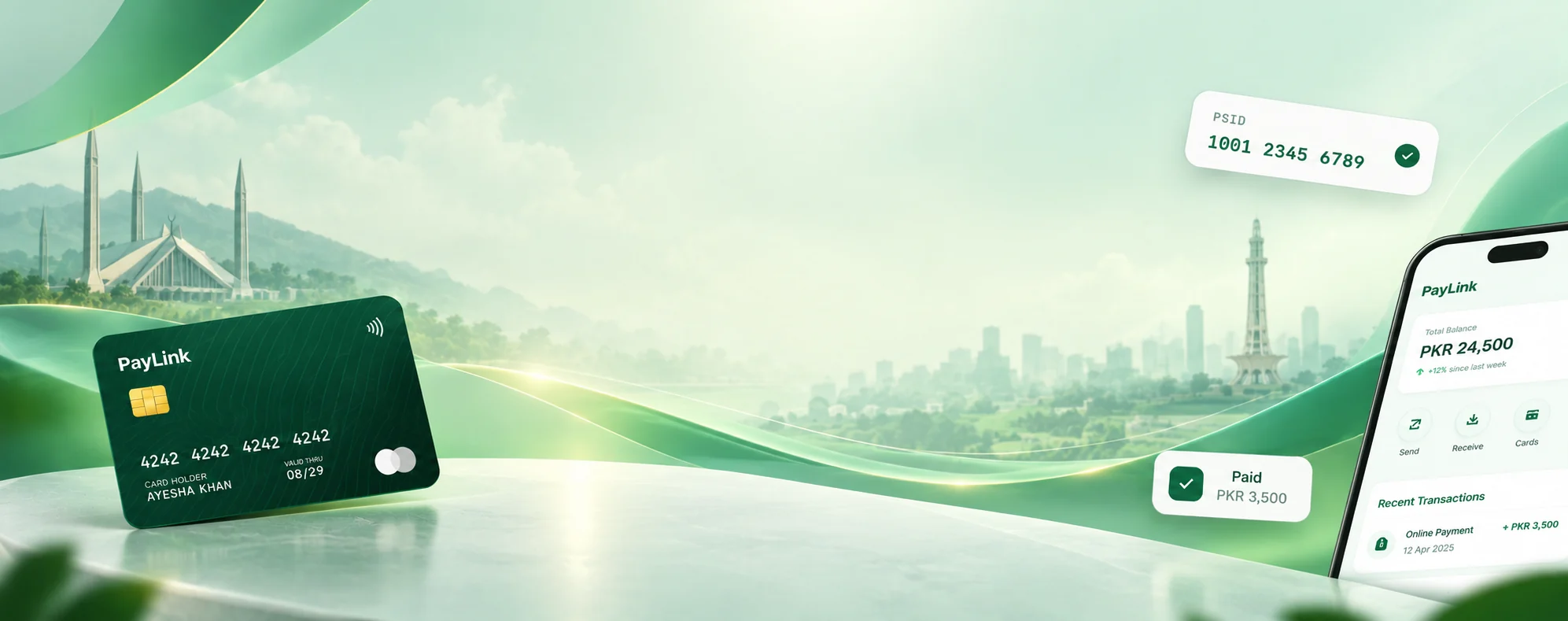
One partner for your payment gateway, card payments and invoicing. Accept payments online and get paid on time, made for businesses in Pakistan.
- Cards, wallets & bank accounts
- Payments in PKR
- Local support
- Paynex online gateway
- Payments in PKR
- Made for Pakistan
- Local support
Paynex online gateway · Paynex invoicing
Three solutions. One partner.
Use one solution or all three together, from one dashboard.
How your customers pay
Simple for your customers. They pay the way they already know.
- Step 01
Customer clicks Pay on your website or payment link.
- Step 02
They enter their debit or credit card details.
- Step 03
Their bank confirms with an OTP.
- Step 04
Payment done. Both of you get a confirmation.
Our payment partners
Your customers can pay from the banks and wallets they already use.
Banks





















Wallets & Raast


 NayaPay
Payments made simple for every business.
Getting paid should not be hard. PayNex brings cards, online payments and bills together, so you spend less time chasing money and more time running your business.
One dashboard for everything
Card payments, gateway payments and bills all show in one place. No more checking many apps.
Built for Pakistan
Payments in PKR, local payment methods, and simple English that everyone can follow.
Help at every step
Our team helps you apply, send documents and set things up. You are never left alone.
Ready to grow with you
Start small with one product. Add more when your business grows. More countries are planned.
Start in 3 steps
Create your account in a minute, get your portal login by email, and our team guides you to your first payment.
- Step 01
Create your account
A short form: your name, contact and business. Takes a minute.
- Step 02
Log in to your portal
We email your login. Complete onboarding and track it live there.
- Step 03
Start getting paid
Once approved, you are live. Payments start coming in.
Approval is done by our payment partners.
Simple answers.
Which invoicing option is right for me?
Want an easy start? Choose Option A: we give you a ready payment page. Already have your own software? Choose Option B: your system makes the bills for you.
How do I know a bill is paid?
As soon as your customer pays, you see it in your dashboard and your system is updated automatically. Then you can deliver the order or service.
What do I need to apply?
Just your name, contact and business details to create your account. After that, you see privately in your merchant portal what else is needed for your type of business.
How do I check my application?
Log in to the merchant portal with the login we email you. You see your status, every update, and messages from our onboarding team.
How long does approval take?
It depends on our payment partners. We guide you and keep you updated at every step.
What are the fees?
Fees depend on your business and the product you choose. We share them with you during onboarding.
Can I take payments from other countries?
We start in Pakistan. More countries are planned for the future.